
Hot Runner Troubleshooting
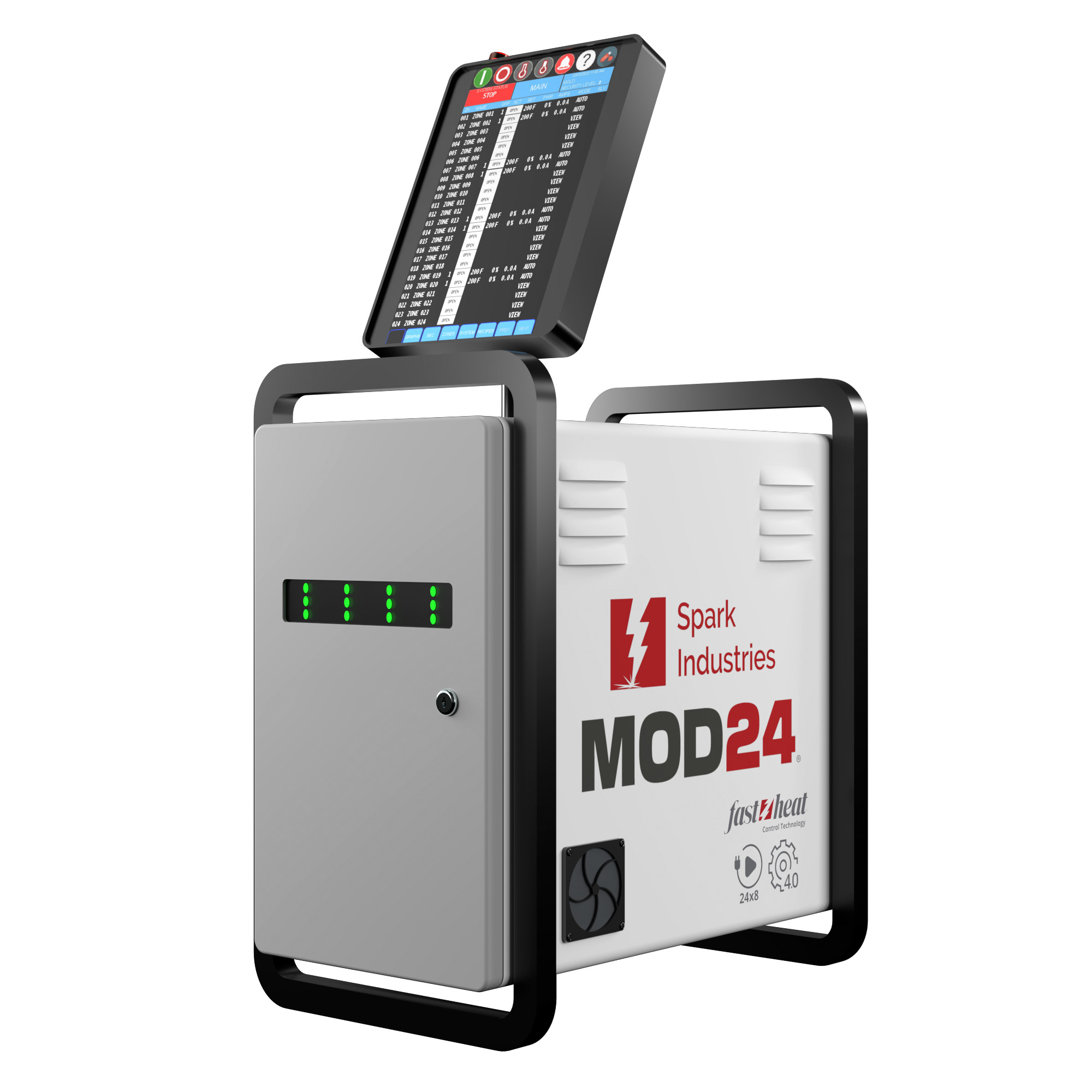
Hot runner troubleshooting is often time-consuming, especially when wiring documentation is missing or unclear. View Mode on the Pulse™ Hot Runner Controller simplifies this process by allowing safe, non-heating diagnostics.
In View Mode, zones read thermocouple temperatures without applying power to the heaters. This allows technicians to verify wiring at ambient temperature before energizing the tool.
To check wiring, a technician can switch a single zone to Auto and observe temperature changes. If a different zone begins to rise in temperature, the thermocouples are miswired. This issue can be identified immediately without risking overheating or damage.
The controller allows thermocouple assignments to be changed in software if an immediate fix is required. While proper rewiring is recommended, this flexibility reduces downtime and keeps production moving.
View Mode is ideal for tool rooms, startups, and maintenance checks. It provides unmatched visibility into tool wiring and eliminates guesswork during troubleshooting.
FAQs
What is View Mode?
A mode that reads thermocouple temperatures without energizing heaters.
Why is View Mode useful for troubleshooting?
It allows wiring issues to be identified safely and quickly.
Can thermocouples be reassigned in software?
Yes. Zones can be reassigned if needed.
Does View Mode apply any heat?
No. It only monitors temperature.
Who benefits most from View Mode?
Tool room technicians, maintenance teams, and startup personnel.
Learn more about Pulse’s™ I/O Integration